
User guide · Company panel
14 Account settings
On the My Account page you update your company details, your password and your centre point on the map. Closing the account is done here as well.
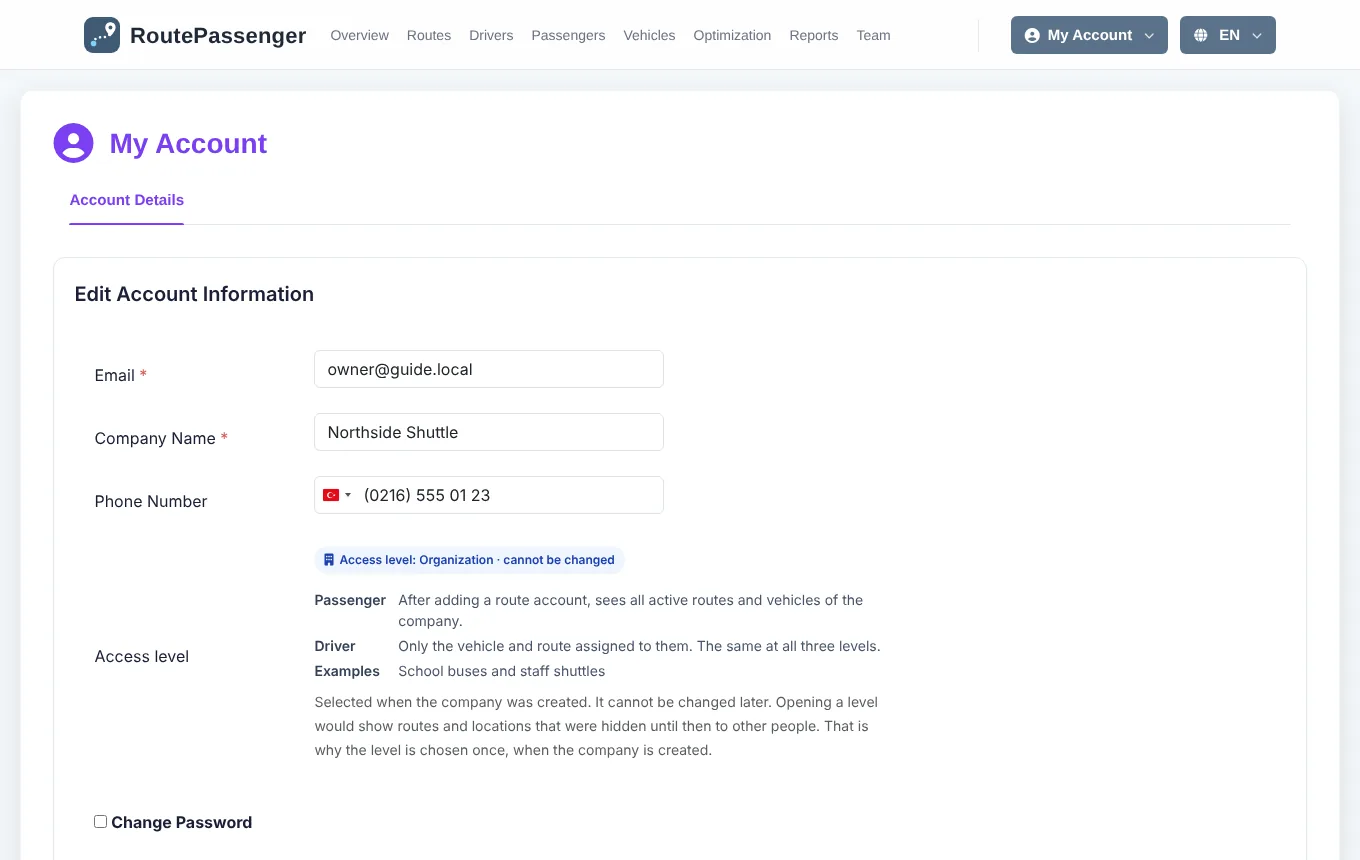
Company details
- Open the My Account menu at the top right.
- Edit the email, company name and phone.
- To change your password, tick Change Password and enter the new password.
- You can move your company's centre point on the map.
- Click Update Account.
Your access level is shown here with its explanation; it cannot be changed (Access levels).
Closing the account
Close account and suspend for 6 months stops access for your company: the panel and the driver and passenger apps no longer work for it. Your data is kept for 6 months; within that time you can write to support to have the account reopened. After that, the data is deleted permanently.